
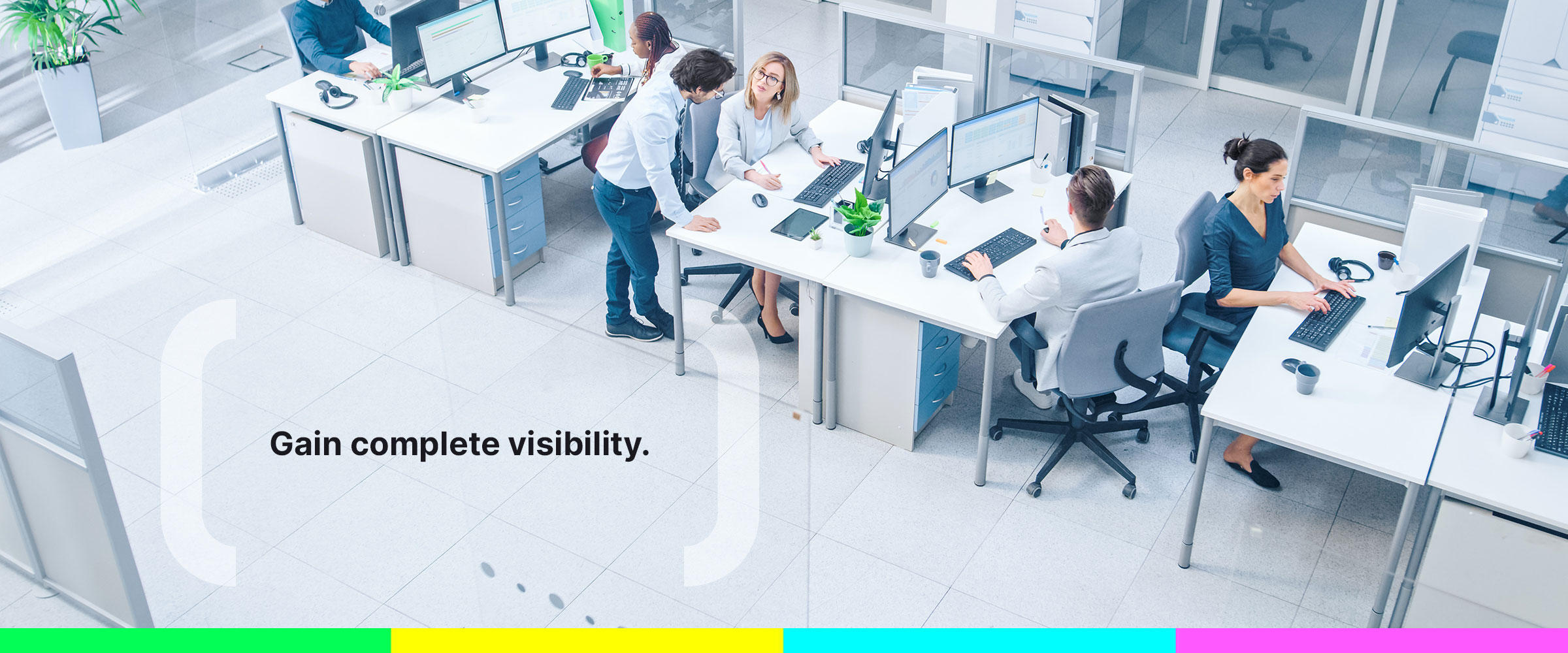
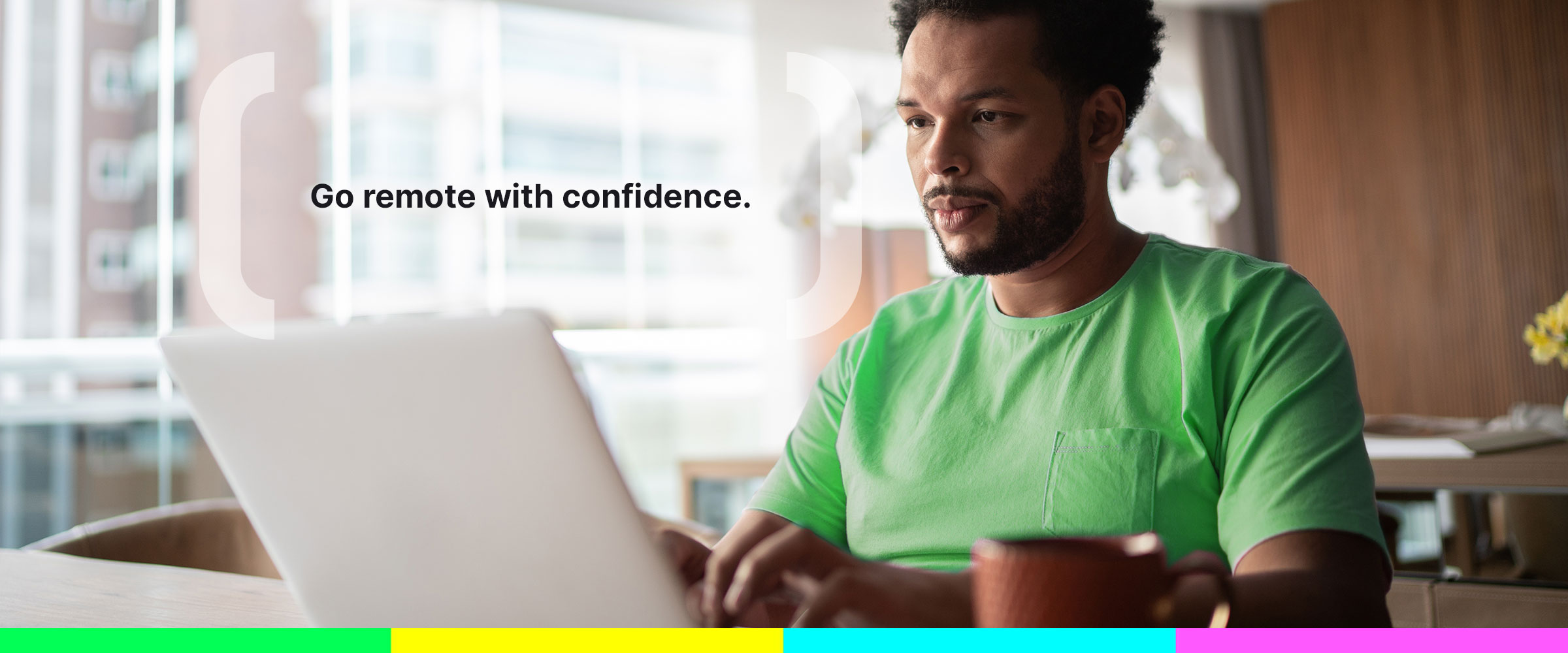

Awareness enables organizations and families to be productive and safe. We provide a platform that helps companies and consumers monitor, analyze and protect what matters most. Companies gain powerful workforce behavior analytics and insider risk management with Veriato and Interguard, delivering productivity, transparency and security to an increasingly online and remote business environment. With Webwatcher and Screentime, parents and caretakers can ensure healthy and safe online experiences for their children.
Veriato

Workforce Behavior Analytics
Veriato is the leading provider of workforce behavior analytics, helping businesses monitor and analyze remote or hybrid workforce activity to boost productivity and keep sensitive data secure.
Interguard

Remote Employee Monitoring
Interguard is an essential productivity and security tool for businesses with a distributed workforce. Maintain productivity in a remote-work environment through visibility into employee activity on company devices.
Screentime

Screen Time Management
Screentime gives parents the visibility and control they need to manage their children’s digital worlds as they manage their physical worlds. Simple monitoring tools enable parents to have proactive discussions about digital usage, and to manage to rules.
Webwatcher

Parental
Control
Webwatcher is a critical tool for parents, providing transparency into their child’s online activity. Webwatcher helps parents understand if their child is engaging in unhealthy online behaviors.
Featured in








News